
Most recent iPhones, Google Pixel phones and Samsung Galaxy flagships support eSIM, but the exact model and regional variant decide whether a travel eSIM will work. Before buying, confirm the model number, find the EID or Add eSIM setting, check that the phone is unlocked, and verify the device with both the eSIM provider and your mobile operator. A series name alone is not proof of compatibility.
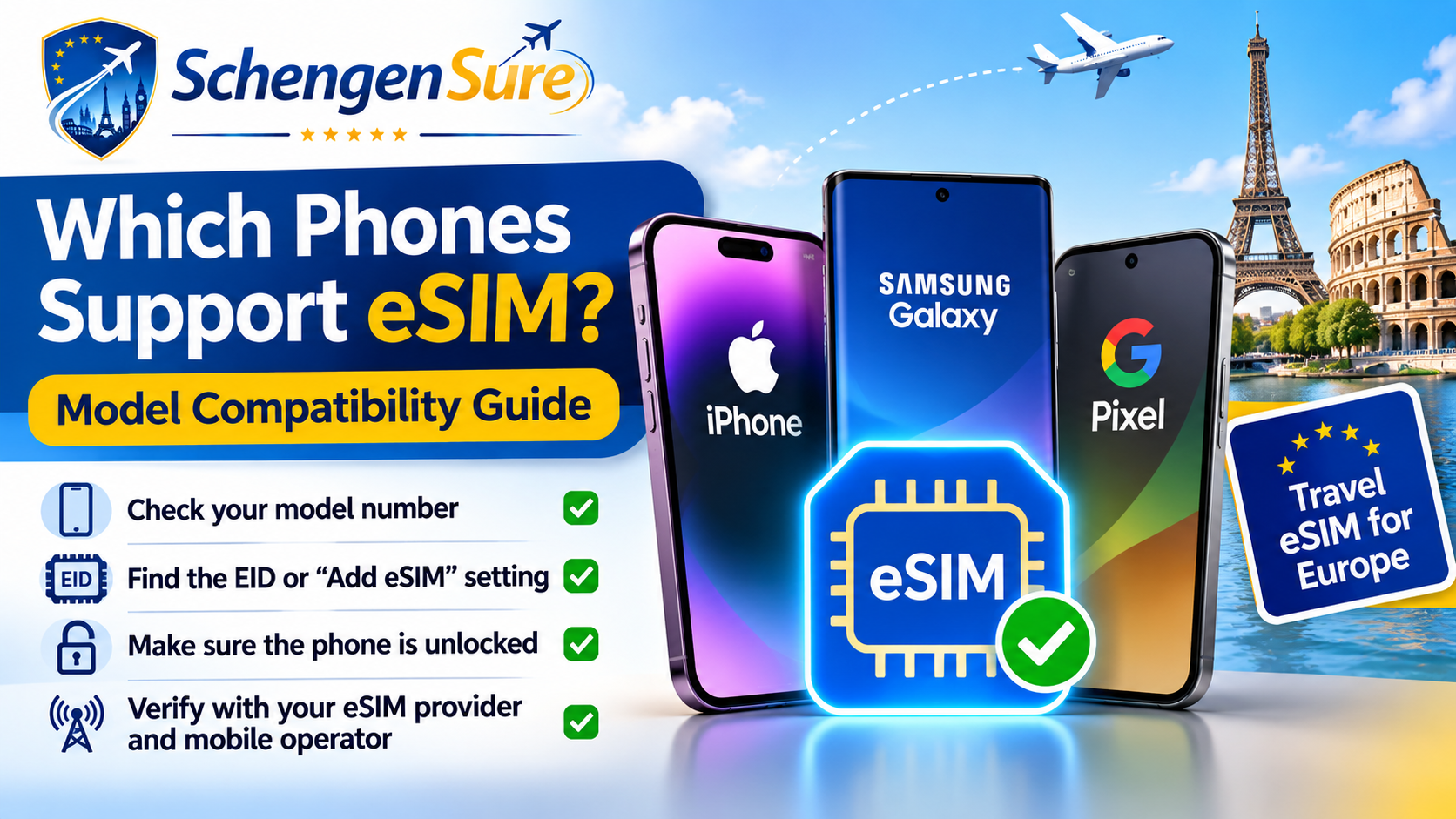
Quick answer: eSIM supported phones Apple: iPhone XS, iPhone XS Max, iPhone XR and later generally support eSIM, with important regional exceptions.[1]
- Google: Pixel 3a and later generally support a physical SIM plus eSIM; some model, market and carrier exceptions apply.[2]
- Samsung: current support includes Galaxy S20 through S26 families, many Galaxy Z Fold and Z Flip models, and selected FE, A-series and tablet models.[3]
- Other Android brands: selected Motorola, Vivo, Oppo, OnePlus and other models may support eSIM. Verify the exact or imported variant rather than assuming support from the brand name.[4].
What eSIM compatibility really means
An eSIM is a digital SIM profile stored in hardware inside the phone. It can let a traveller download a mobile plan without inserting a physical SIM.
The practical rule is simple: eSIM support is a device-and-variant capability, not a brand-level promise. The same marketing name may have different hardware or software in India, China, North America or another market.
An EID is a strong compatibility signal because it identifies the embedded SIM. It is not a guarantee that every operator or travel eSIM provider can activate that phone. Do not post or share the EID publicly.[4]
Which phone models support eSIM?
Apple iPhone
Apple states that iPhone XS, XS Max, XR and later can use eSIM. This includes later iPhone and supported iPhone SE generations. China mainland and some Hong Kong or Macao variants have different SIM configurations, so check the model number and country of purchase.[1]
Samsung Galaxy
Samsung currently lists Galaxy S20-S26 flagship families, multiple Galaxy Z Fold and Z Flip generations, S23 FE-S25 FE, and selected A-series, XCover and cellular Tab models. Samsung also warns that country of origin can remove eSIM support even when the device name appears on the list.[3]
Google Pixel
Google documents dual-SIM use with a physical SIM and eSIM on Pixel 3a and later. It also notes that carrier support and some market-specific restrictions affect features. Pixel 7 and later can use two active eSIM profiles when the carrier allows it.[2]
Motorola, Vivo, Oppo, OnePlus and other Android phones
Selected models support eSIM, but support is inconsistent across families and markets. Airtel publishes setup paths for several of these brands, while Motorola support pages repeatedly warn that eSIM availability may depend on country and carrier.[4][7] Treat an imported device or marketplace listing as unconfirmed until the exact model passes the checks below.
Compatibility comparison by phone family
| Phone family | Useful starting point | Main reason to verify |
|---|---|---|
| Apple iPhone | XS, XS Max, XR and later | China mainland, Hong Kong and Macao variants can differ. |
| Samsung Galaxy S / Z | Many S20-S26 and Fold/Flip generations | Country of origin and software can change support. |
| Google Pixel | Pixel 3a and later | Carrier, market and older-model exceptions apply. |
| Other Android | Selected models only | Brand or series name is not enough; confirm the exact variant. |
How to check if your exact phone supports eSIM
- Find the exact model number. On iPhone, open Settings > General > About. On Android, open Settings > About phone. Compare the number with the manufacturer page, not only a retailer title.
- Look for an EID. Dial *#06# or check the About or Status screen. Airtel describes the EID as a 32-digit device-specific code.[4]
- Find the setup control. On iPhone, look for Settings > Cellular or Mobile Service > Add eSIM. On Samsung, use Settings > Connections > SIM manager > Add eSIM. On Pixel, use Settings > Network & internet > SIMs > Add SIM > Set up an eSIM.[1][2][3]
- Check the carrier lock. A travel eSIM normally needs a phone that can accept another provider. On iPhone, Settings > General > About should show No SIM restrictions beside Carrier Lock. For Android, ask the seller or current operator.
- Verify twice before paying. Check the travel eSIM provider’s compatibility tool and your operator’s device page. Jio directs users to its device compatibility checker, and Airtel lists supported brand setup routes.[4][5]
Practical examples for travellers
Imported iPhone example: An iPhone with a familiar model name may have been made for a market with different SIM hardware. If Add eSIM and EID are missing, do not buy a travel eSIM until Apple or the seller confirms the exact model.
Samsung example: Two Galaxy phones can share the same series name but come from different regions. Samsung explicitly says country of origin can affect support, so use the model code and support page.[3]
Dual-SIM travel example: A business traveller can keep the current SIM available for calls or SMS and use a Europe eSIM for data. Set the travel eSIM as the mobile-data line and prevent automatic data switching to the current SIM unless an roaming plan is active.
Neutral buying guidance for a Europe travel eSIM
Buy only after your exact phone passes the model, EID, Add eSIM and unlock checks. Then compare the plan’s Schengen-country coverage, validity start, usable high-speed data, hotspot rules, top-ups, support and refund conditions. Many travel eSIMs are data-only, so decide how you will handle calls and SMS.
If the phone is not compatible, compare international roaming, a physical local SIM or secure Wi-Fi. Upgrading a phone only for eSIM may not be good value when another connection method meets the trip needs.
After compatibility is confirmed: review Europe eSIM options through SchengenSure. Check the final provider page for the live device list, countries, plan type and refund terms before payment.
Affiliate disclosure: SchengenSure may earn a commission if you buy through a partner link. Compare suitability and final terms independently; a commission should not decide which plan you choose.
Common eSIM compatibility mistakes
- Buying from a generic online compatibility list without checking the manufacturer or operator.
- Assuming every regional version of the same phone supports eSIM.
- Confusing dual physical SIM support with eSIM support.
- Treating an EID as proof that every travel provider will work.
- Ignoring carrier lock, company-device restrictions or outdated software.
- Scanning the QR code too early or deleting a profile that cannot be reinstalled.
- Testing only after arrival, when reliable Wi-Fi or support may be harder to access.
Pre-purchase eSIM compatibility checklist
- Record the exact phone model number and country of purchase.
- Confirm the EID and Add eSIM setting are present.
- Update the operating system, then restart and check again.
- Confirm that the phone is carrier-unlocked and not work-profile restricted.
- Check the manufacturer, operator and travel eSIM provider pages.
- Verify every destination, validity rule, data limit and hotspot condition.
- Install and test before departure if the provider permits it.
- Save setup instructions and support details offline.
Frequently asked questions
How do I know if my phone supports eSIM?
Check the exact model number, look for an EID, find Add eSIM in settings, confirm the phone is unlocked, and verify it with the manufacturer and intended eSIM provider.
Is an EID enough to prove compatibility?
No. An EID is a strong sign that eSIM hardware exists, but activation can still depend on the regional variant, software, carrier and provider.
Do all iPhones support eSIM?
No. Apple generally supports eSIM from iPhone XS, XS Max and XR onward, but regional exceptions and different SIM configurations exist.[1]
Do all Samsung Galaxy phones support eSIM?
No. Many Galaxy S and Z flagships support it, along with selected FE, A-series and tablet models. Exact model and country of origin matter.[3]
Can I keep my current SIM while using a Europe eSIM?
Usually yes on a compatible dual-SIM phone. Use the Europe eSIM for data and review roaming, calls, SMS and automatic data-switching settings on the line.
Why is Add eSIM missing even though my model appears compatible?
Possible causes include a different regional variant, carrier firmware, a carrier lock, outdated software, device-management restrictions or an unsupported model code.
Can I use one Europe eSIM in every Schengen country?
Not automatically. Device compatibility and country coverage are separate checks. Confirm every destination and transit country on the specific plan page.
Conclusion
The safest answer to which phones support eSIM is not a brand list. It is a five-part check: exact model, regional variant, EID or Add eSIM control, carrier unlock and provider confirmation. Complete those checks before buying a Europe travel eSIM, then compare the plan itself for route coverage and practical value.
Sources and fact-check references
[1] Apple Support India – Set up eSIM on iPhone. Official iPhone eligibility, regional exceptions and setup methods.
[2] Google Pixel Help – How to use dual SIMs. Official Pixel model baseline, eSIM setup and carrier caveats.
[3] Samsung India – Galaxy eSIM and supported network carriers. Current Galaxy family list, setup paths and country-of-origin warning.
[4] Airtel – eSIM activation and compatibility guidance. Indian operator guidance for EID and device setup by brand.
[5] Jio – Which handset models have eSIM capability?. Official route to Jio device compatibility checking.
[6] Apple Support India – Wireless providers that support eSIM. Lists Airtel, Reliance Jio and Vi eSIM activation methods in India.
[7] Motorola India Support – eSIM and SIM card for motorola razr 40. Example of model-specific setup and carrier-availability caveats.