
Yes, many Europe eSIMs can share mobile data through a Wi-Fi hotspot, USB cable or Bluetooth when the plan, phone and network support tethering. A data-only eSIM can also provide a hotspot; it does not need a phone number. However, hotspot access is not guaranteed, so check the live plan terms for sharing limits, speed rules and country coverage before buying.[1][2][3]
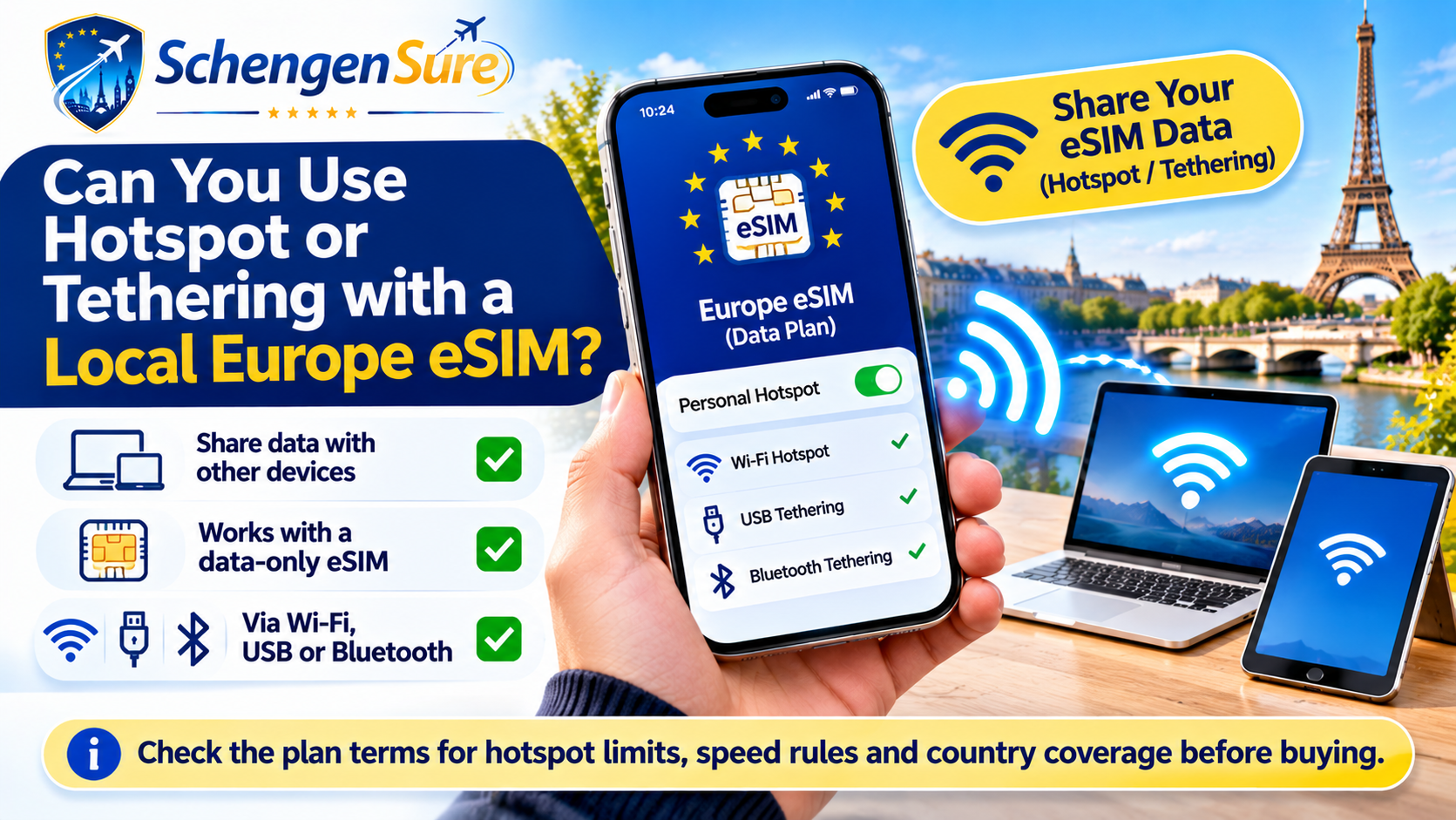
Europe eSIM hotspot and tethering: quick comparison
An eSIM supplies mobile data to your phone. Tethering determines whether that phone may share the connection with another device.
| Method | How it works | Often best for | Main limitation |
|---|---|---|---|
| Wi-Fi hotspot | Phone creates a temporary Wi-Fi network | Laptop, tablet or another phone | Battery use and plan sharing limits |
| USB tethering | Phone shares data through a cable | Stable laptop connection | Cable and device support required |
| Bluetooth tethering | Devices share data over Bluetooth | Light, low-power use | Usually less convenient for heavy tasks |
| Direct device eSIM | Compatible tablet or laptop uses its own eSIM | Independent connection | Separate device and plan compatibility |
What is the difference between hotspot and tethering?
Hotspot usually means sharing your phone’s mobile connection as Wi-Fi. Tethering is the broader term: it can include Wi-Fi hotspot, USB tethering and Bluetooth tethering. Apple and Android both provide ways to share a phone’s cellular connection with other devices.[2][3]
Using an eSIM instead of a physical SIM does not change the basic sharing process. What matters is whether the phone supports the feature and whether the active mobile plan permits it.[1]
Quote-worthy rule: eSIM compatibility and hotspot permission are two separate checks. A phone can support eSIM while a particular plan still limits tethering.
What determines whether an eSIM hotspot will work?
1. The eSIM plan permits tethering
Some providers allow data sharing, while other plans apply a separate hotspot allowance, reduce tethered speed or exclude hotspot use. Even plans sold by the same provider can have different conditions.[4][5][6]
2. Your phone supports hotspot
Most recent smartphones provide a hotspot or tethering setting, but menus and supported methods vary. The phone must also be unlocked and compatible with the travel eSIM.
3. The Europe eSIM is selected for mobile data
On a dual-SIM phone, the home line may remain active while the Europe eSIM supplies data. Select the travel eSIM as the mobile-data line and follow the provider’s instructions for data roaming and APN settings.[7]
4. The local network has usable coverage
Hotspot cannot improve a weak mobile signal. Speed can change with the local partner network, location, congestion and network technology. A regional Europe plan’s country list should be checked against the full itinerary.
Fixed-data vs unlimited eSIM hotspot access
| Question | Fixed-data plan | Unlimited plan |
|---|---|---|
| Where does hotspot data come from? | Usually from the stated total allowance | May come from the main plan or a separate sharing allowance |
| What happens after heavy use? | The allowance may end, slow or need a top-up | Fair-use or tethering-specific speed rules may apply |
| What should you compare? | Included data, top-ups and validity | Full-speed data, hotspot allowance and reduced speed |
| Often suitable for | Predictable, measurable sharing | Heavy or uncertain use only when tethering terms are adequate |
Unlimited phone data does not automatically mean unlimited hotspot data. Read the tethering section of the plan terms rather than relying on the word unlimited.[4][6]
Who may need hotspot access in Europe?
| Traveller | Typical hotspot use | Most important check |
|---|---|---|
| Tourist | Tickets, tablet or backup connection | Data allowance and itinerary coverage |
| Business traveller | Laptop, cloud work and video calls | High-speed data, stability and tethering rules |
| Student | Laptop study and temporary accommodation | Validity, top-ups and sustained data needs |
| Family visitor | Sharing data with relatives or children | Hotspot allowance and number of connected devices |
| Visa applicant | Connectivity after arrival | Treat eSIM planning separately from visa documentation |
Why hotspot use can consume data quickly
Turning on hotspot does not by itself create large data use. The connected device determines consumption. A laptop may start cloud sync, operating-system updates, video calls or high-resolution streaming without the user noticing.
Before connecting a laptop or tablet:
- Pause automatic system, app and cloud updates
- Use standard-definition video where suitable
- Close unused browser tabs and background applications
- Set the connection as metered when the operating system supports it
- Disconnect devices when hotspot is no longer needed
How to use a Europe eSIM as a hotspot
On an iPhone
- Select the Europe eSIM as the mobile-data line.
- Open Settings and find Personal Hotspot.
- Turn on sharing and set a strong Wi-Fi password.
- Connect the laptop, tablet or phone to the displayed network.
On Android
- Select the Europe eSIM for mobile data.
- Open Network and Internet, Connections, or a similar menu.
- Choose Hotspot and tethering, then enable Wi-Fi hotspot.
- Connect the other device using the hotspot name and password.
Menu names differ by manufacturer and software version. Follow Apple, Google and the eSIM provider’s current instructions.[2][3]
What to do if the eSIM hotspot is not working
- Confirm that the exact plan permits hotspot or tethering
- Check that mobile data works on the phone before sharing it
- Make sure the Europe eSIM is selected as the data line
- Follow the provider’s data-roaming and APN instructions
- Check the remaining data and any hotspot-specific allowance
- Restart the phone and reconnect the other device
- Contact the provider before changing or deleting the eSIM
Do not delete the eSIM as an early troubleshooting step. Some eSIM profiles cannot be reinstalled without provider assistance.
Neutral buying guidance
Choose a plan by usable hotspot data, not only headline data. A smaller fixed-data plan with clear tethering can be more useful than an unlimited plan with restrictive sharing rules.
Before buying, compare the official plan details for:
- Hotspot permission and any separate allowance
- Full-speed data and the outcome after a threshold
- Validity start, duration and top-up options
- Every destination and transit country on the route
- Phone compatibility, local networks, support and refund conditions
You can review connectivity options on the SchengenSure Europe eSIM page. Compare the provider’s live terms before purchase. If an affiliate link is used, SchengenSure may receive a commission; this should not change the neutral criteria in this guide.
Common mistakes
- Assuming every eSIM automatically supports hotspot
- Assuming unlimited data means unlimited tethering
- Checking the provider but not the exact plan
- Ignoring laptop updates, backups and cloud syncing
- Forgetting to select the Europe eSIM as the data line
- Using an open hotspot without a strong password
- Assuming a Europe plan covers every Schengen destination
Europe eSIM hotspot checklist
- The exact plan allows hotspot or tethering.
- I understand the hotspot allowance and speed rules.
- My phone is unlocked, eSIM-compatible and hotspot-capable.
- Every country on my itinerary appears in the coverage list.
- The validity period covers my full trip.
- I selected the Europe eSIM for mobile data.
- I paused large downloads, updates and cloud backups.
- I saved support and setup instructions offline.
Frequently asked questions
Can a data-only Europe eSIM provide a hotspot?
Yes, if the phone and plan support tethering. A phone number is not required because hotspot sharing uses mobile data.
Does unlimited eSIM data include unlimited hotspot?
Not necessarily. A plan may have a separate hotspot allowance, a speed threshold or no tethering support. Check the exact plan terms.
Can I connect my laptop to a travel eSIM?
Usually, you can connect through your phone’s Wi-Fi hotspot, USB or Bluetooth when supported. A compatible laptop may also use its own eSIM plan.
Does hotspot use more data than normal phone use?
Sharing alone does not multiply data. However, laptops and tablets often run larger updates, backups, video calls and streaming, so total use may rise quickly.
Why is Personal Hotspot missing after I activate an eSIM?
Possible causes include a plan restriction, data-line selection, APN settings, device configuration or software issues. Confirm the plan first, then follow official device and provider troubleshooting.
Will one Europe eSIM hotspot work in every Schengen country?
Not automatically. Schengen membership and an eSIM provider’s regional coverage list are different. Check every country on the route against the live plan list.[8]
Conclusion
You can use hotspot or tethering with many local Europe eSIMs, but the feature depends on the exact plan, phone and network. Confirm tethering permission, usable high-speed data, validity and country coverage before purchase. For laptop work or family sharing, choose the plan with the clearest hotspot terms—not simply the largest headline allowance.
Reliable sources
- Airalo Help — Can I use tethering (Personal Hotspot)? — device, network and plan support
- Apple Support — Share your internet connection from iPhone — official Personal Hotspot guidance
- Google Android Help — Share a mobile connection by hotspot or tethering — official Android setup guidance
- Vodafone Travel — What unlimited data really means — hotspot and fair-use considerations
- Orange Travel Support — Can I use my eSIM as a hotspot? — provider-specific hotspot guidance
- Holafly Help — Activate hotspot and share data — plan checks and device setup
- Apple Support — Use eSIM while travelling internationally — selecting a travel eSIM as the data line
- European Commission — Schengen Area — official Schengen composition